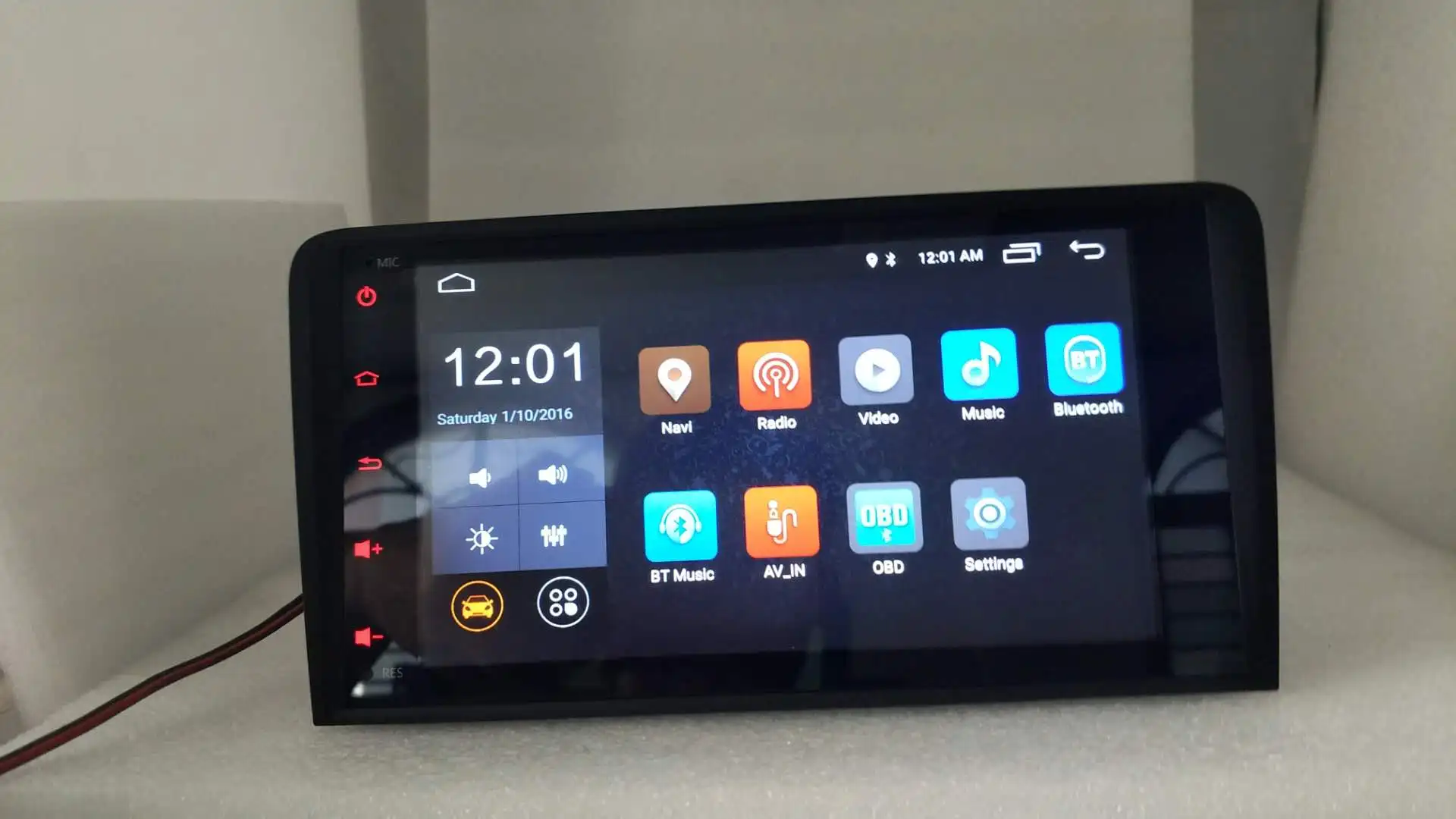
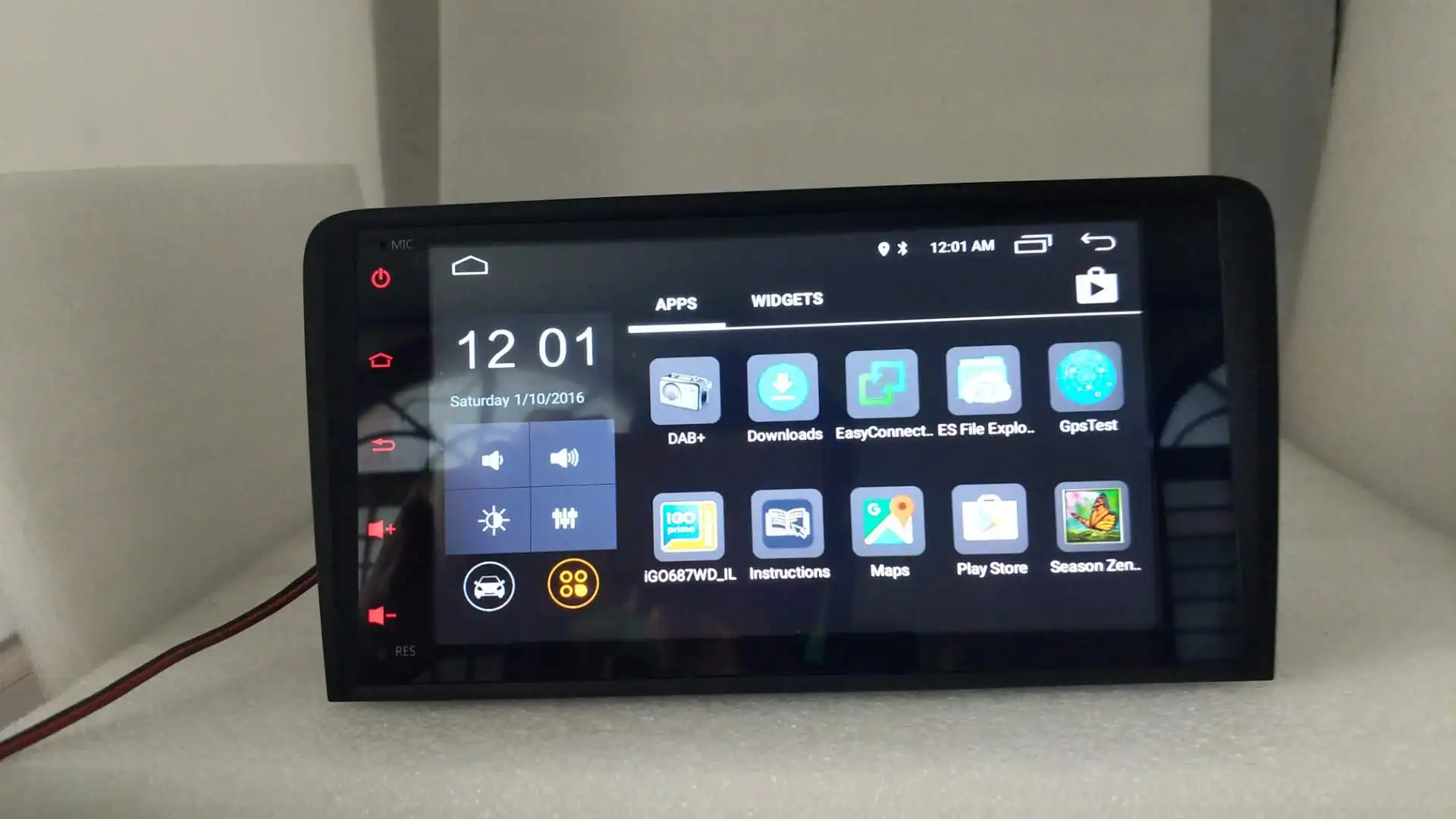
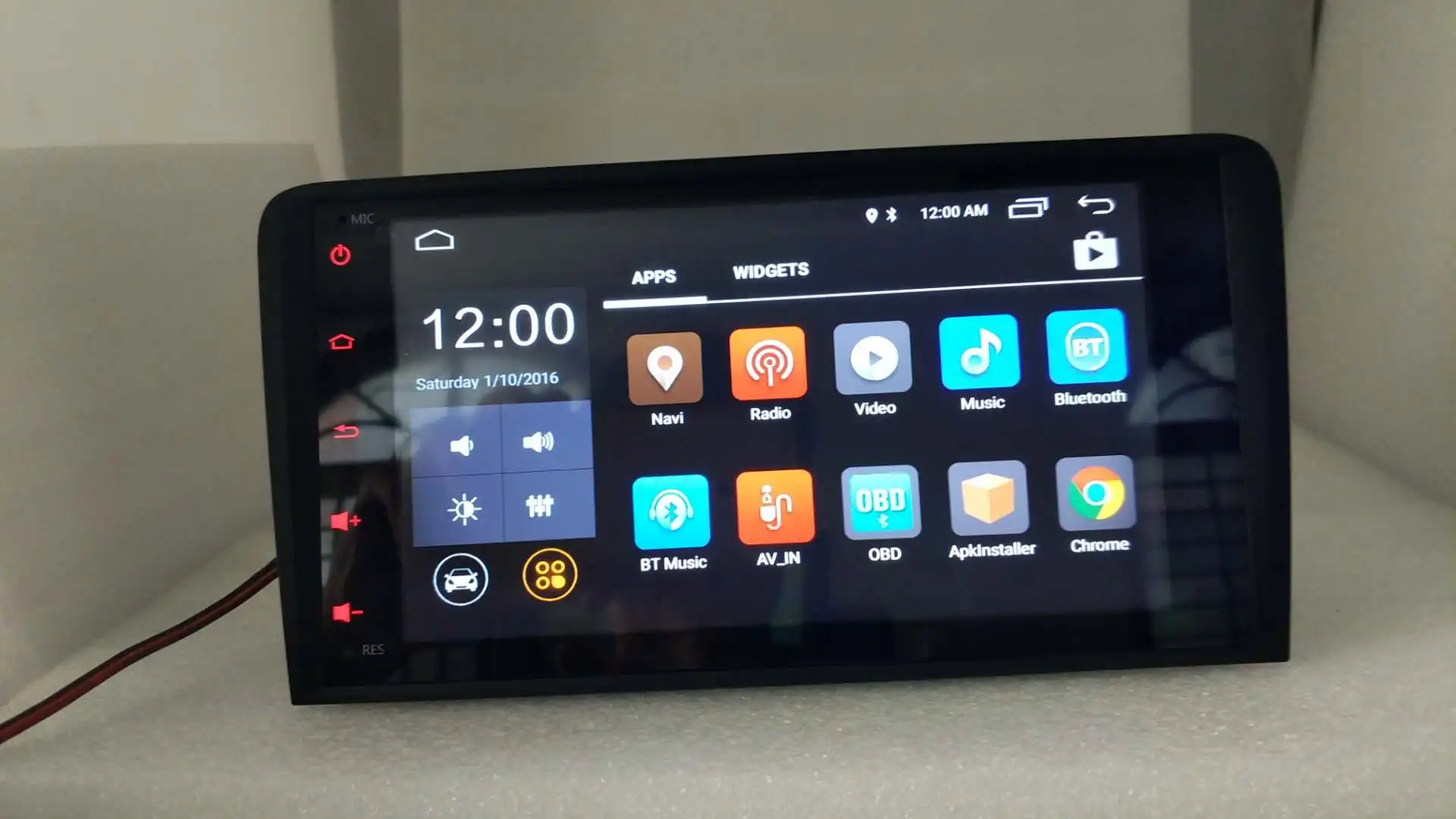
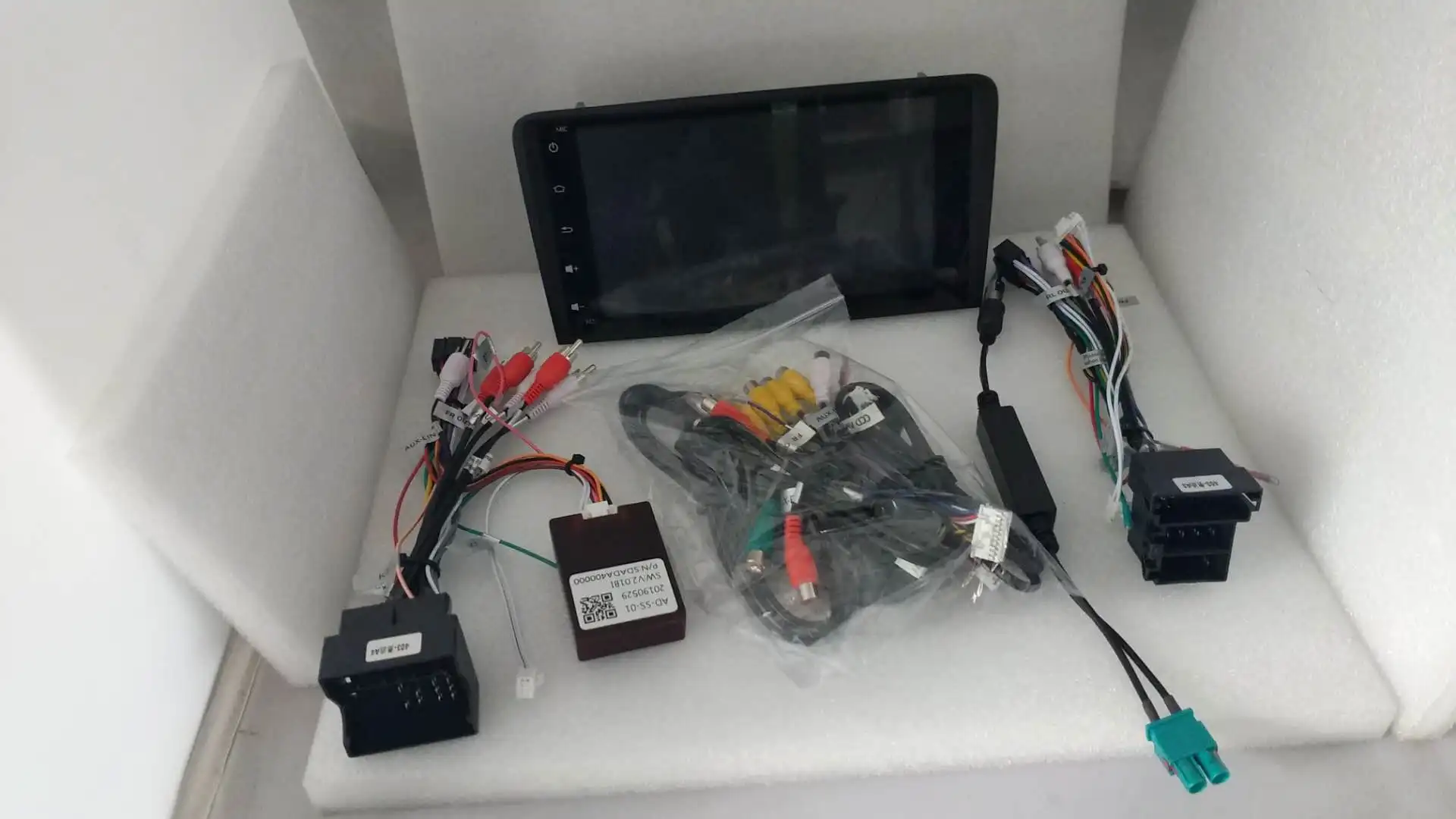

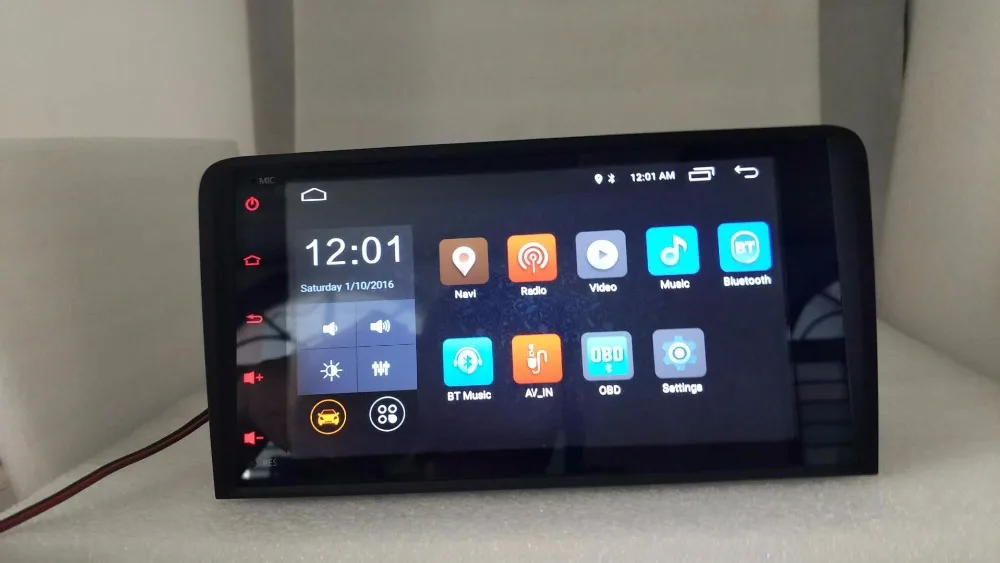
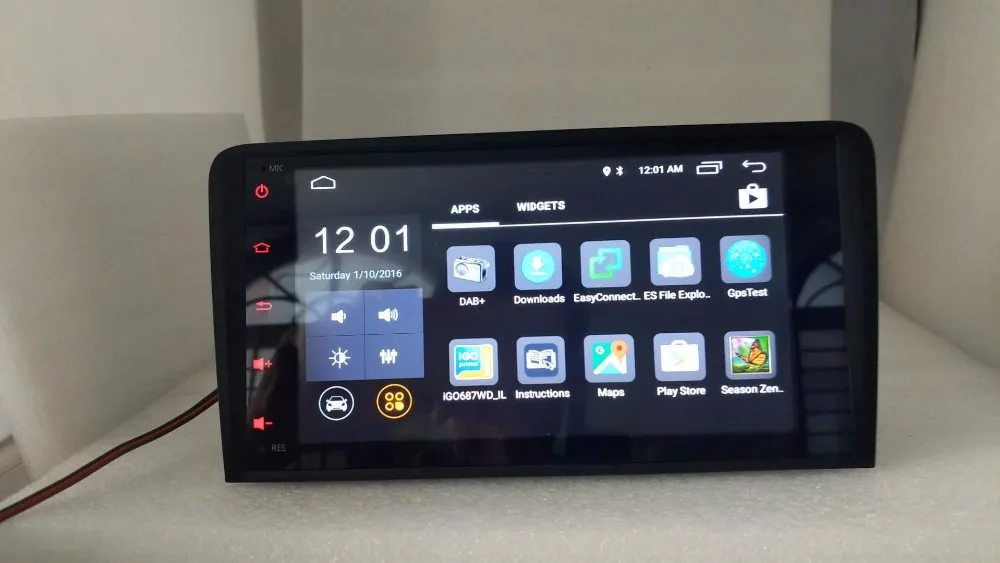
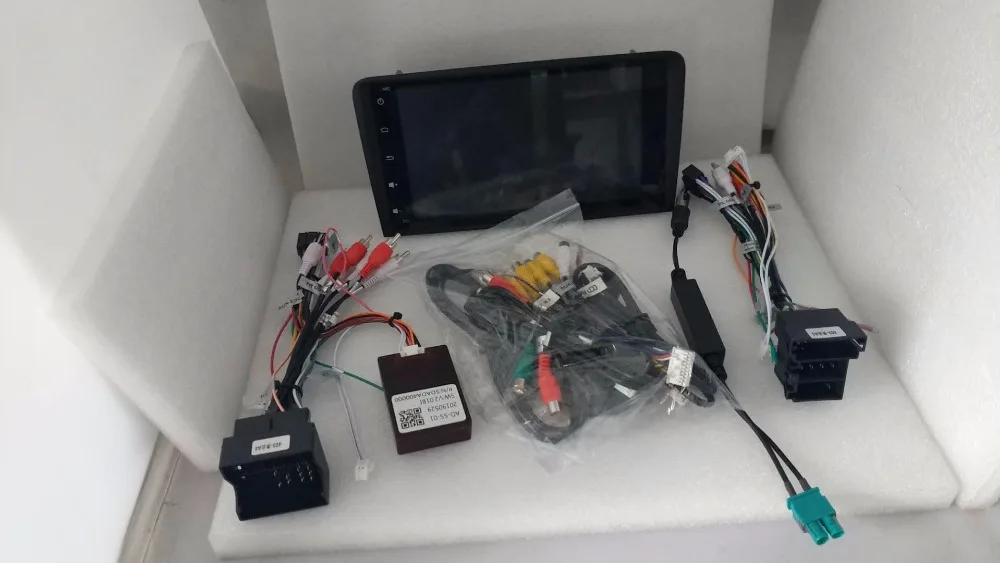
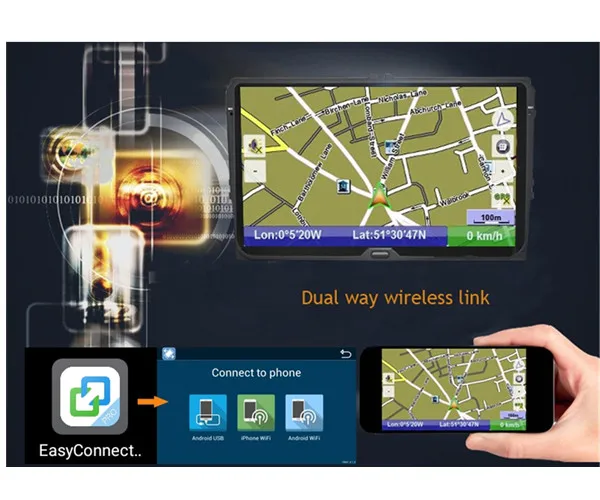
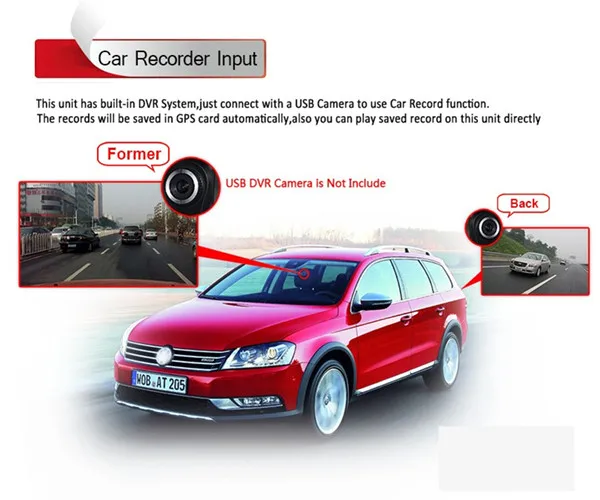
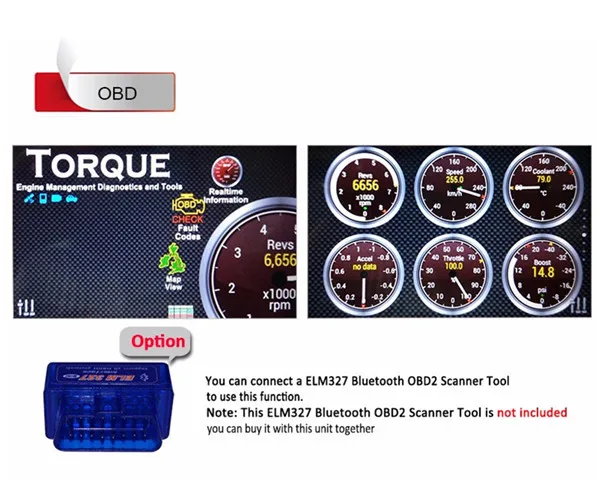
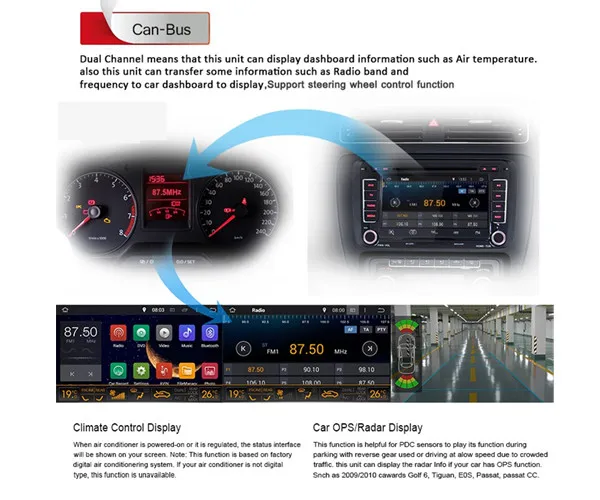
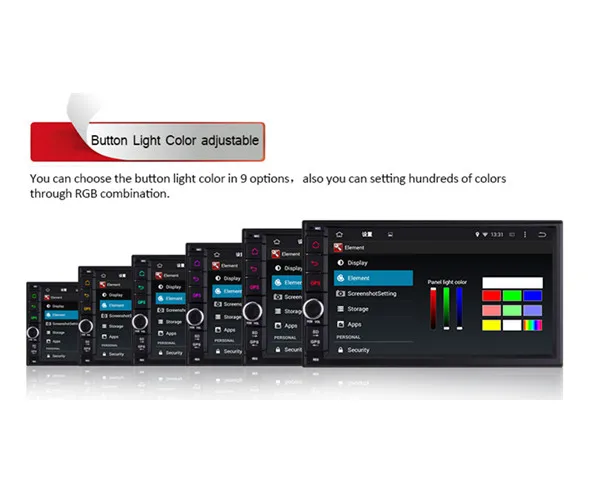
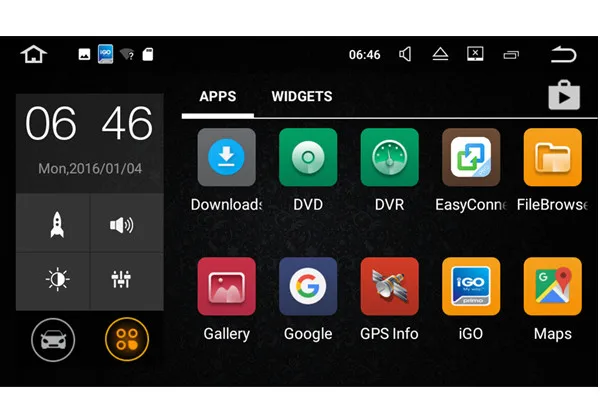
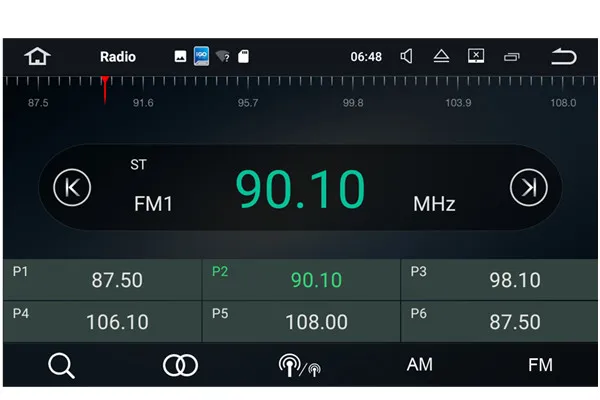
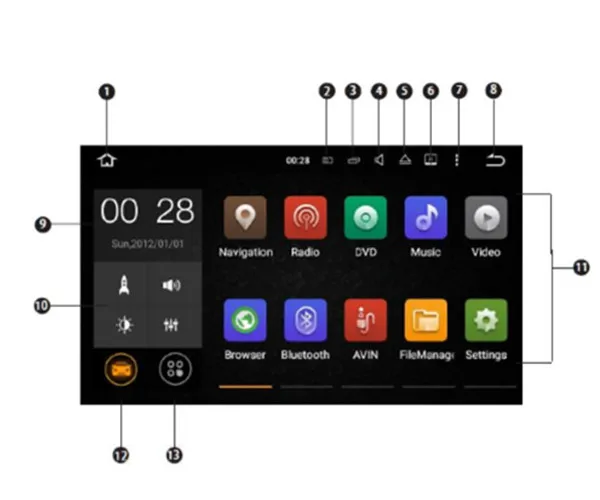
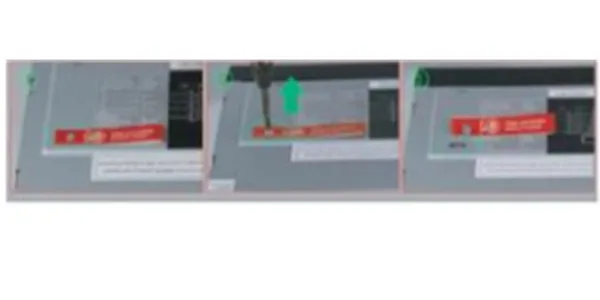
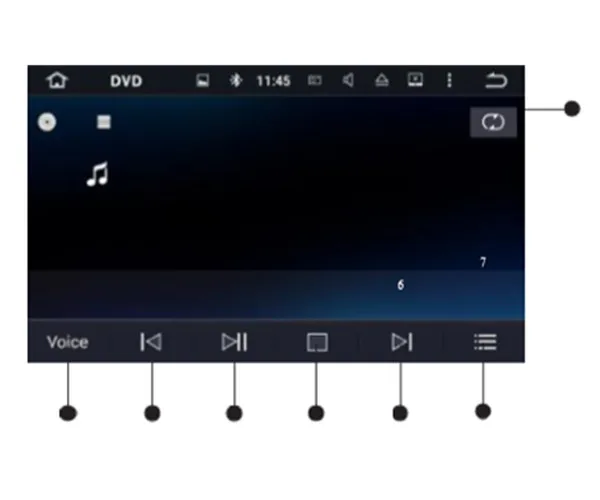
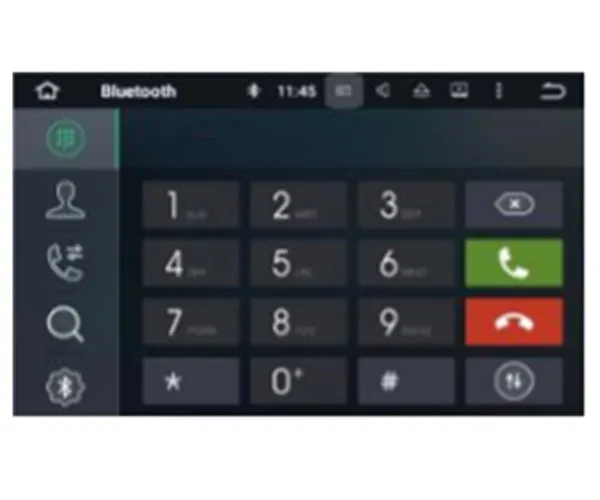
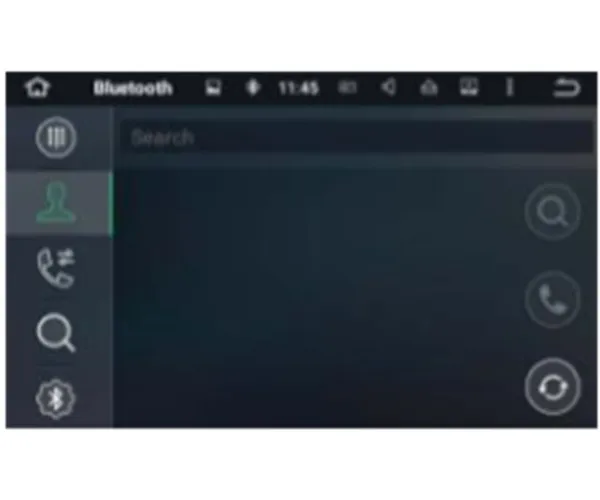
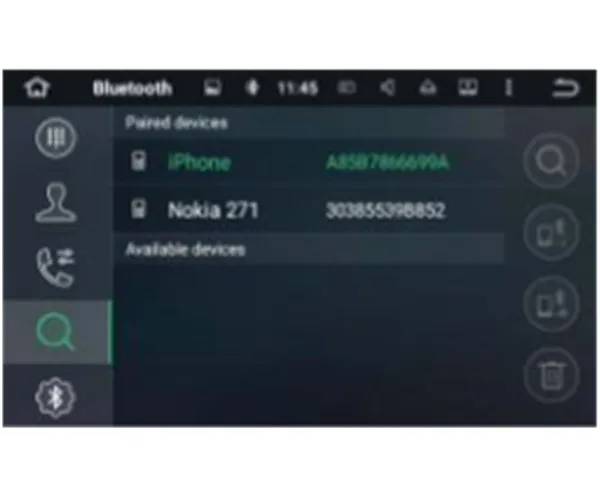
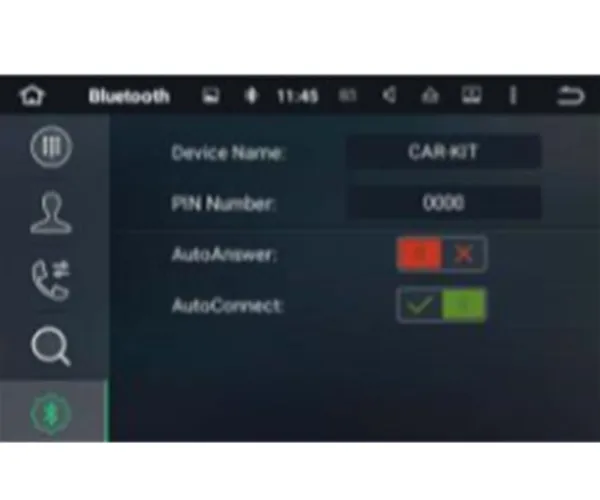
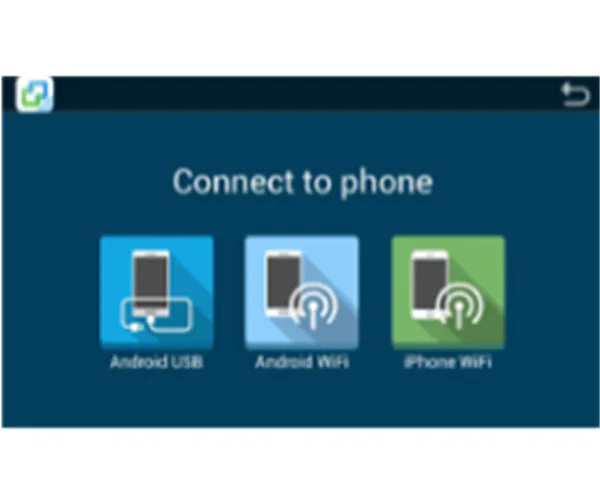
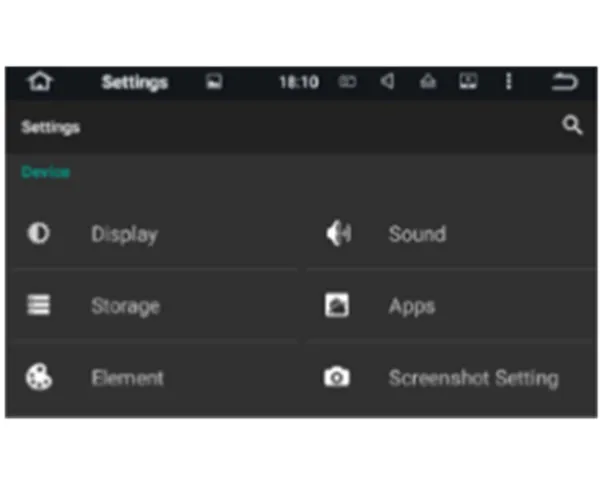
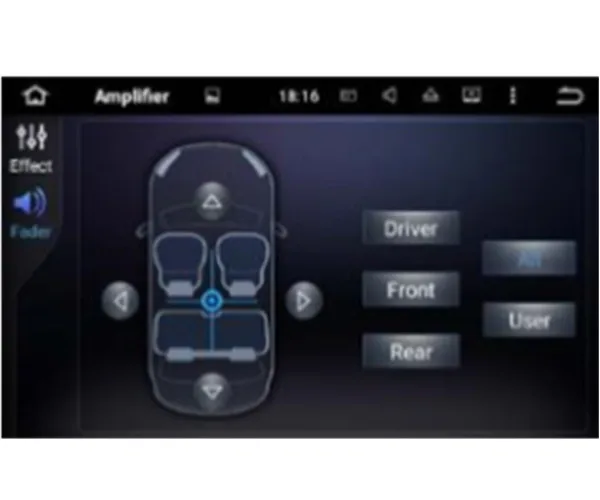
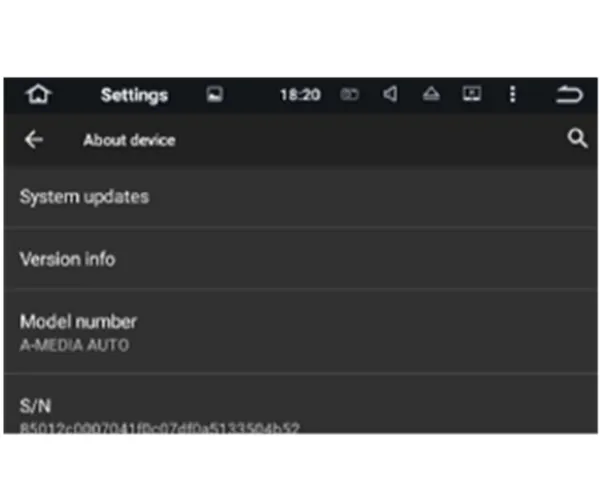
android gps navigationfor Au di A3 S3 RS3 GPS Navigation Stereo Radio Audio Multimedia Touch 3G4G For Au di A3 8 P (2003-2012) For A3 8P1 3-door Hatchback (2003-2012) For S3 8 P (2006-2012)] For RS3 Sportback (2011-2012) Precaution Before installing this product - Use this unit with a 12-volt battery and negative grounding only. Failure to do so may result in a fire or malfunction. - To avoid shorts in the electrical system, be sure to disconnect the (-) battery cable before installation. Important safety information WARNING - Do not attempt to install or service this product by yourself. Installation or servicing of this product by persons without training and experience in electronic equipment and automotive accessories may be dangerous and could expose you to the risk of electric shock, injury or other hazards. - Do not allow this product to come into contact with liquids. Electrical shock could result. Also, damage to the product , smoke and overheating could result from contact with liquids. - If liquid or foreign matter should get inside this product, park your vehicle in a safe place, turn the ignition switch off (ACC OFF) immediately and consult your dealer. Do not use this product in this condition because doing so may result in a fire, electric shock, or other failure. - If you notice smoke, a strange noise or odor from this product, or any other abnormal signs on the screen, turn off the power immediately and consult your dealer. Using this product in this condition may result in permanent damage to the system. - Do not disassemble or modify this product, as there are high-voltage components inside which may cause an electric shock. Be sure to consult your dealer for internal inspection, adjustments or repairs. Before using this product , be sure to read and fully understand the following safety information: - Do not operate this product, any applications, or the rear view camera option (if purchased) if doing so will divert your attention in any way from the safe operation of your vehicle. Always observe safe driving rules and follow all existing traffic regulations. If you experience difficulty in operating this product or reading the display, park your vehicle in a safe location and apply the parking brake before making the necessary adjustments. - Never set the volume of this product so high that you cannot hear outside traffic and emergency vehicles. - To promote safety, certain functions are disabled unless the vehicle is stopped and/or the parking brake is applied. - Keep this manual handy as a reference for operating procedures and safety information. - Do not install this product where it may (i) obstruct the driver’s vision, (ii) impair the performance of any of the vehicle’s operating systems or safety features, including air bags or hazard lamp buttons or (iii) impair the driver’s ability to safely operate the vehicle. - Please remember to fasten your seat belt at all times while operating your vehicle. If you are ever in an accident, your injuries can be considerably more severe if your seat belt is not properly buckled. - Never use headphones while driving. To ensure safe driving WARNING - LIGHT GREEN LEAD AT POWER CONNECTOR IS DESIGNED TO DETECT PARKED STATUS AND MUST BE CONNECTED TO THE POWER SUPPLY SIDE OF THE PARKING BRAKE SWITCH. IMPROPER CONNECTION OR USE OF THIS LEAD MAY VIOLATE APPLICABLE LAW AND MAY RESULT IN SERIOUS INJURY OR DAMAGE. - Do not take any steps to tamper with or disable the parking brake interlock system which is in place for your protection. Tampering with or disabling the parking brake interlock system could result in serious injury or death. - To avoid the risk of damage and injury and the potential violation of applicable laws, this product is not for use with a video image that is visible to the driver. - In some countries the viewing of video image on a display inside a vehicle even by persons other than the driver may be illegal. Where such regulations apply, they be obeyed. If you attempt to watch video image while driving, the warning “Viewing of front seat video source while driving is strictly prohibited.” will appear on the screen. To watch video image on this display, stop the vehicle in a safe place and apply the parking brake. Please keep the brake pedal pushed down before releasing the parking brake. To avoid battery exhaustion Be sure to run the vehicle engine while using this product. Using this product without running the engine can drain the battery. WARNING Do not install this product in a vehicle that does not have an ACC wire or circuitry available. Main Menu 1. Return to the Home Screen 2. Screenshot 3. Recent Apps 4. Volume 5. Eject a Disc 6. Brightness 7. Shortcut to Go to Wallpaper/Manage Apps/System Settings 8. Return to the Previous Menu 9. Display Date and Time 10. Display Weather 11. Apps 12. Display the Home Screen Apps 13. Display All Apps Use apps Tap an app to open it. Customize the unit Arrange apps Touch and hold any app on the Home screen, then drag the app around. Drag an app to the edge of the screen to move it to a different Home screen. Swipe left or right to see other screens. Change the wallpaper You can set an image or photo as wallpaper for the Home screen. You can choose from the preset Live Wallpapers (dynamic) and Wallpapers (stills), or choose from images or photos stored on a USB storage device or an SD memory card. Change the wallpaper. Go to Settings > Display > Wallpaper, or touch and hold the background on the Home screen, then the window Choose wallpaper from will pop up, or tap Wallpaper. on the status bar on the Home screen, then tap Adjust the screen brightness Go to settings > Display > Brightness level, then drag the slider, or tag the status bar, then drag the slider. on Radio 1. AF (Alternative Frequencies) 2. TA (Traffic Announcement) 3. PTY (Program Type) 4. Broadcast frequency slider 5. Perform manual tuning 6. Preset channel list Select a frequency you like, then touch and hold any of preset frequency keys to store it. Up to 18 FM stations and 12 AM stations can be stored in memory. 7. Perform seek tuning or non-stop seek tuning 8. ST (mono/stereo switch) 9. LOC (Local seek tuning) 10. AM band (AM1 or AM2) 11. FM band (FM1, FM2 or FM3) DVD Player CAUTION 1. There are two screws on the top face of the unit to protect the disc drive in transit. The screws need to be removed first. Otherwise it cannot accept or play discs. 2. For safety reasons, video images cannot be viewed while your vehicle is in motion. To view video images, stop in a safe place and apply the parking brake. 1. Repeat play Choose from repeat the current file, repeat all files and repeat off. 2. Equalizer adjustment Choose from Rock, Pop, Jazz, Classic, Flat, Voice and Custom. 3. Previous file 4. Pause/Play 5. Stop 6. Next file 7. File menu USB/SD Plug a USB storage device or insert an SD memory card, then tap Music on the Home screen to play music, tap Video to play the video files, or tap Photo to view the images and photos. AUX Input You can display the video image output by the device connected to this unit. CAUTION For safety reasons, video images cannot be viewed while your vehicle is in motion. To view video images, stop in a safe place and apply the parking brake. Bluetooth 1. Keypad 2. Phone book 3. Recent calls 4. Devices list 5. Bluetooth settings Connect your mobile phone to this unit via Bluetooth and use an external microphone to make and receive hands-free calls. CAUTION For your safety, avoid talking on the phone as much as possible while driving. *Connect to a Bluetooth device Connection (Bluetooth pairing) a. The Bluetooth device must be within 1 meter of this unit. Turn on Bluetooth on the device. b. You can find this unit in the devices list of your Bluetooth device. c. If your Bluetooth device supports SSP (Secure Simple Pairing), a four-digit number password will be required. The default password is 0000. 1. Phone calls Enter the number to make a call. You can also choose a contact from the phone book to make a call. 2. Phone bookto synchronize the contacts from your Bluetooth device. 3. Recent callsView recent outgoing calls, incoming calls or missed calls. 4. Devices list Tap a device on the Paired devices or on the Available devices list, then tap to pair the device. Tap 5. Bluetooth settings to unpair the device. ①You can change the Device Name of this unit. Tap CAR KIT to enter a different name. ②You can change the PIN Number (Bluetooth pairing password). The default password is 0000. Enter another four-digit number, then tap Done to set a new password. ③You can turn AutoAnswer/AutoConnect on or off. Bluetooth Music After the Bluetooth connection is established, tap A2DP on the Home screen, then you can play music stored in your Bluetooth device on this unit. ※ At first, you need to operate the music playback on your Bluetooth device. Then you can operate the Bluetooth music on the unit. ※ Please note that the unit may not support the Bluetooth music function when some mobile phones are not quite compatible with the unit. Screen Mirroring Tap Easy Connected on the apps menu screen to enter screen mirroring mode. When you connect a mobile phone with compatible applications installed, you can control the applications for the mobile phone directly from this unit. For Android smart phone: 1. Connect via a USB cable a. Go to Settings > About Device, then tap Build number 7 times to enable Developer options. Turn on USB debugging. A message Allow USB debugging? will pop up. Turn Always allow from this computer on, then tap OK. b. Connect your Android smart phone to this unit via a USB cable. 2. Connect via Wi-Fi a. Go to Settings > Wireless & networks > More > Tethering & portable hotspot, then turn Portable Wi-Fi hotspot on or tap Set up Wi-Fi hotspot. b. Tap Android WiFi, then select your Android device name from the hotspot list. Enter the password when prompted. ※ Please note this function is only applicable for the smart phones equipped with wireless mirroring function, and it only supports Android version above 4.0. Audio streaming requires a Bluetooth connection. For iPhone: a. Go to Settings > Personal Hotspot, then turn Personal Hotspot on. b. Tap iPhone WiFi, then select your iPhone name from the hotspot list. Enter the password when prompted. c. Tap AirPlay in the Control Center on your iPhone. Select EC-Mirror and turn Mirroring on. ※ On iPhone 4/4s, only photos can be streamed wireless to this unit. On iPhone 5 and other later iPhone models, both music and photos can be streamed wireless to this unit. Video streaming requires the appropriate Apple cable or adapter. Navigation Built-in navigation offers detailed, reliable route guidance information to help you get where you want to go. You can actually download a range of GPS Navigation apps via Google Play and run them on the unit. You can download Sat Nav apps like TomTom, Navigon, Route 66, Sygic, iGO, Google Maps and many more. Connect to the Internet You can connect the unit to the Internet whenever necessary, using a Wi-Fi connection (if available) or 3G network (3G dongle is sold separately). You can browse the web, download apps via Google Play, play online games, etc. The possibilities are endless with the Internet in your car. OBD2 The unit supports OBD2 (On-Board Diagnostics) car diagnostics. With OBD2 function available on this unit, you can retrieve real-time data and trouble codes from your vehicle computer. All the data of your vehicle is displayed to you. (OBD2 Bluetooth car diagnostic scanner tool is sold separately.) DVR You can control a car DVR camera (sold separately) on this unit and use it to record all the events of a journey. DAB+ (Optional) With use of a DAB dongle (sold separately), DAB+ (Digital audio broadcasting) tuner lets you enjoy the convenience of digital radio, while Auto DAB+ Tuning makes sure there are less signal interruptions. DAB+ digital radio brings you high- detail, digital-quality sound, lots of stations, program information and more. DAB antenna (sold separately) needs to be positioned on the windscreen of your vehicle. Tap DAB+ on the apps menu screen, then tap available services automatically. Google Play Store to search all Google Play brings together all your favorite movies, TV programs, books, music, magazines, apps and more in one place. If you purchased content on Google Play in the past, you will automatically have access to this content on any Android device. Just make sure that you have signed in using the same account that you used to purchased it. 18 Settings 1. Wireless & networks 1.1 Wi-Fi Turn Wi-Fi on or off. Choose a network: Tap one of the listed networks, then enter the password, if asked. 1.2 Bluetooth You can change the Device Name or the PIN Number (Bluetooth pairing password) of this unit. You can turn Auto Answer/Auto Connect on or off. Tap a device on the Paired devices or on the Available devices list to pair or unpair it. 1.3 More You can set up Portable Wi-Fi hotspot or VPN 2. Device 2.1 Display 2.1.1 Brightness level Drag the slider to adjust the screen brightness. 2.1.2 Wallpaper Set an image or photo as wallpaper for the Home screen. 2.2 Sound 2.2.1 Key tone Turn Key tone on or off. 2.2.2 Volumes Drag the slider to adjust the volumes. 2.3 Storage - Internal storage - NAND flash - GPS card - SD card - USB storage 2.4 Apps Manage all the apps downloaded on the unit or on an SD memory card. 2.5 Element This enables you to change the illumination color of the buttons to your personal preference. You can choose from a wide variety of colors. Drag the color bars of red, green and blue to create a favorite color. ※ Please note the multi-colored button illumination feature is not supported on all models. 2.6 Screenshot settings - Select delay time to capture the screen Choose from 15 seconds, 30 seconds, 1 minute, 2 minutes, 3 minutes, 4 minutes, and 5 minutes later. - Set the location of screenshot storage Choose from Nand Flash, GPS Card, SD Card, and USB Storage. - Show the screenshot button in the status bar Turn this on or off. 3. Personal 3.1 Security - Device administrators - Unknown sources - Storage type - Trusted credentials - Install certificates from SD card - Clear credentials - Trust agents - Apps with usage access 3.2 Accounts Add account Add a Google account or other accounts. 3.3 Language & input 3.3.1 Language Set the language for the unit. Choose from English, French, German, Spanish, and many more. 3.3.2 Spell checker Turn Spell checker on or off. 3.3.3 Personal dictionary Add words in the user dictionary. 3.3.4 Keyboard & input methods The default input method is English (US) - Android Keyboard. 3.3.5 Voice input Choose from Enhanced Google services and Basic Google recognition. 3.3.6 Text-to-speech output The supported languages are English, French, German, Italian and Spanish. 22 3.3.7 Pointer speed Drag the slider to adjust the pointer speed. 3.4 Backup & reset - Back up my data Back up app data, Wi-Fi passwords, and other settings to Google servers. - Backup account - Automatic restore - Factory data rest Erase all data on the unit. 4. System 4.1 Date & time Date & time settings include: - GPS automatic update time - Automatic date & time - Automatic time zone - Set date - Set time - Select time zone - Use 24-hour format 23 4.2 Accessibility - Captions - Magnification gestures - Large text - High contrast text - Auto-rotate screen - Speak passwords - Text-to-speech output - Touch & hold delay - CoLorinversion - Color correction 5. Car 5.1 GPS 5.1.1 GPS application options Choose which GPS application you want to use for the navigation. 5.1.2 GPS monitoring Turn GPS monitoring on or off. 5.1.3 GPS sound mode 5.1.4 GPS mixing ratio 5.1.5 GPS monitor 5.1.6 Location Turn Location on or off. Location mode: Choose from High accuracy, Battery saving, and Device only. 5.2 Driving settings 5.2.1 Watching video Turn this on to allow you to watch video while driving. CAUTION For safety reasons, video images cannot be viewed while your vehicle is in motion. To view video images, stop in a safe place and apply the parking brake. 5.2.2 Reversing X-mirror If you connect a rear view camera (sold separately) to the unit, you can turn this on to enter mirror imaging mode for rear parking, and turn this off to enter normal imaging mode for rear parking. 5.2.3 Reversing volume 5.2.4 Rear view ruler On: Displays the parking assist guidelines. Off: Hides the parking assist guidelines. 5.3 Extra settings 5.3.1 Shutdown delay when ACC OFF Choose from 30 seconds, 5 minutes, 10 minutes, 30 minutes, 1 hour, and 2 hours. 5.3.2 Playing music Turn this on to allow the unit to play music automatically when you plug a USB storage device or insert an SD memory card. 5.3.3 DVR storage locations Choose from Nand Flash, GPS Card, SD Card, and USB Storage. 5.4 Amplifier 5.4.1 Equalizer adjustment You can choose from Rock, Pop, Jazz, Classic, Flat, Voice, and Custom. 5.4.2 Fader/balance adjustment You can select a listening position that you want to make as the center of the sound effects. Choose from Driver, User, Front, Rear, and All. 5.5 Steering wheel keys This allows you to use the steering wheel control of your vehicle to control the unit. 26 5.6 Factory settings Enter the password 126 to go to Factory settings. 5.6.1 Application Change the options for Bluetooth, DVD, TV, and iPod. 5.6.2 Car logo Select one of the preinstalled car manufacturer logos as your start up screen. You can also select images imported from an SD memory card. You need to insert the SD memory card into the GPS card slot. The image size should be 800 pixels x 480 pixels and the image format should be JPEG. 5.6.3 Radio Select an area for the radio. 5.6.4 Voice Adjust the volumes of TV, DVD, iPod, System, AV Input, Radio, and Bluetooth modes. 5.6.5 CanBus Change the options for Canbus. 5.6.6 Key study - Panel key study - Touch key study 27 5.6.7 Other Change the options for RDS, Front Camera, Panel LED type and more. 5.7 About device See information about the unit. The items you can view include: - System updates - Version info - Model number - S/N - CPU - Memory Troubleshooting If you have problems operating this product, refer to this section. The most common problems are listed below, along with likely causes and solutions. No power - Car engine has not been started. Start the car engine. - Incorrect wiring connection. Check the wiring. - Fuse has been damaged. Replace fuse. No sound - Volume is too low. Adjust volume. - Incorrect wiring connection. Check the wiring. No image - Parking brake wire connect is incorrect. Check the parking wiring. Disc does not play - The disc is inserted upside down. Insert the disc with the label upward. - The disc is dirty. Clean the disc. - The disc is cracked or otherwise damaged. Insert a normal, round disc. - The files on the discs are in an irregular file format. Check the file format. - The disc format cannot be played back. Replace the disc. - The loaded disc is a type this product cannot play. Check what type of disc it is. The screen is covered by a caution message and the video cannot be shown - The parking brake lead is not connected or applied. Connect the parking brake lead correctly, and apply the parking brake. - The parking brake interlock is activated. Park your vehicle in a safe place and apply the parking brake. Image flashes or distorted - Video DVD settings do not match with the DVD. Adjust video DVD settings. - Video connection is incorrect. 29 Noise in broadcasts - Signals are too weak. Select other stations with stronger signals. - Check the connection of the vehicle antenna. - Change broadcast from stereo to mono. Preset station lost - Battery cable is not correctly connected. Connect the battery cable to the terminal that is always live. The iPod/iPhone’s video image is disturbed - Set the TV Signal settings (NTSC/PAL) of the iPod/iPhone correctly. The paired mobile phone connects and disconnects constantly - The Bluetooth reception is poor. Move the mobile phone closer to the product or remove any obstacle between the mobile phone and the product. - Some mobile phones may connect and disconnect constantly when you make or end calls. This does not indicate any malfunction of the product. - For some mobile phones, the Bluetooth connection may be deactivated automatically as a power-saving feature. This does not indicate any malfunction of the product.

















Tidak ada komentar:
Posting Komentar